Antivirus for Android: Keep your phone & tablet protected
- Award-winning anti-virus, anti-malware, and identity theft protection keeps you safe
- Lightweight installation offers protection without compromising performance
- Includes tools to optimize your Android device

- Windows®
- macOS®
- Android™
- iOS®
- Real-Time Antivirus
- Online Payment Protection
- Webcam Protection
- Unlimited Superfast VPN
- Windows®
- macOS®
- Android™
- iOS®
- Real-Time Antivirus
- Online Payment Protection
- Webcam Protection
- Unlimited Superfast VPN
- Identity Protection Wallet
- 24/7 Remote IT Support
 Kaspersky Safe Kids1 YEAR FREE
Why you need Kaspersky for Android*
Kaspersky Antivirus for Android contains essential tools that help keep mobile devices safe from a growing number of sophisticated online threats.
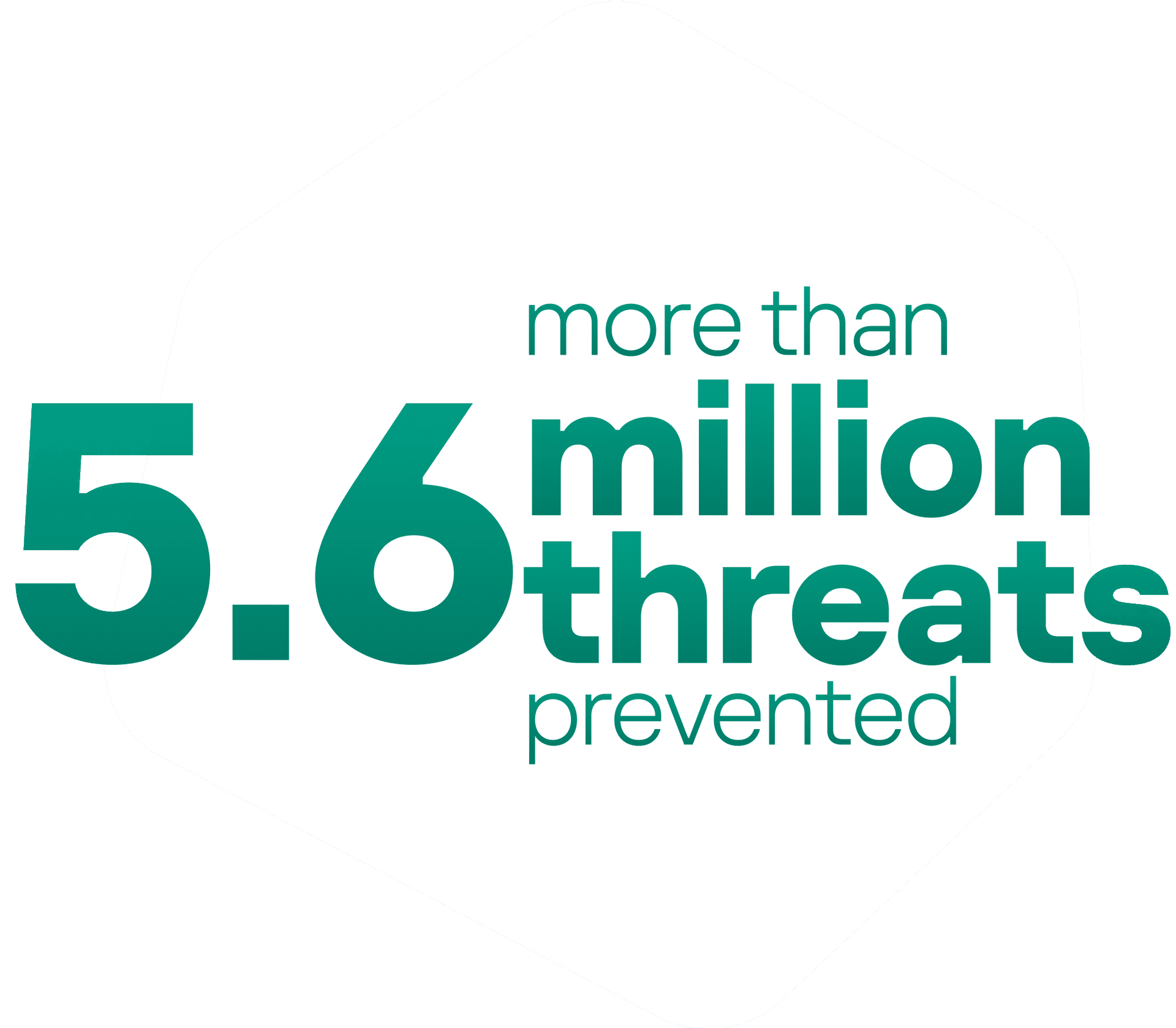
Every quarter, Kaspersky blocks and protects against more than 5.6 million mobile malware, adware, and riskware attacks that can compromise Android devices.
*The data is taken from Securelist's report ‘The development of information threats in the third quarter of 2022. Mobile Statistics’
74% of Android users are concerned about financial cyberthreats, online account hacking and identity theft.
Data is taken from Kaspersky Mobile Users Research, 2022 with 4821 respondents in 9 countries.
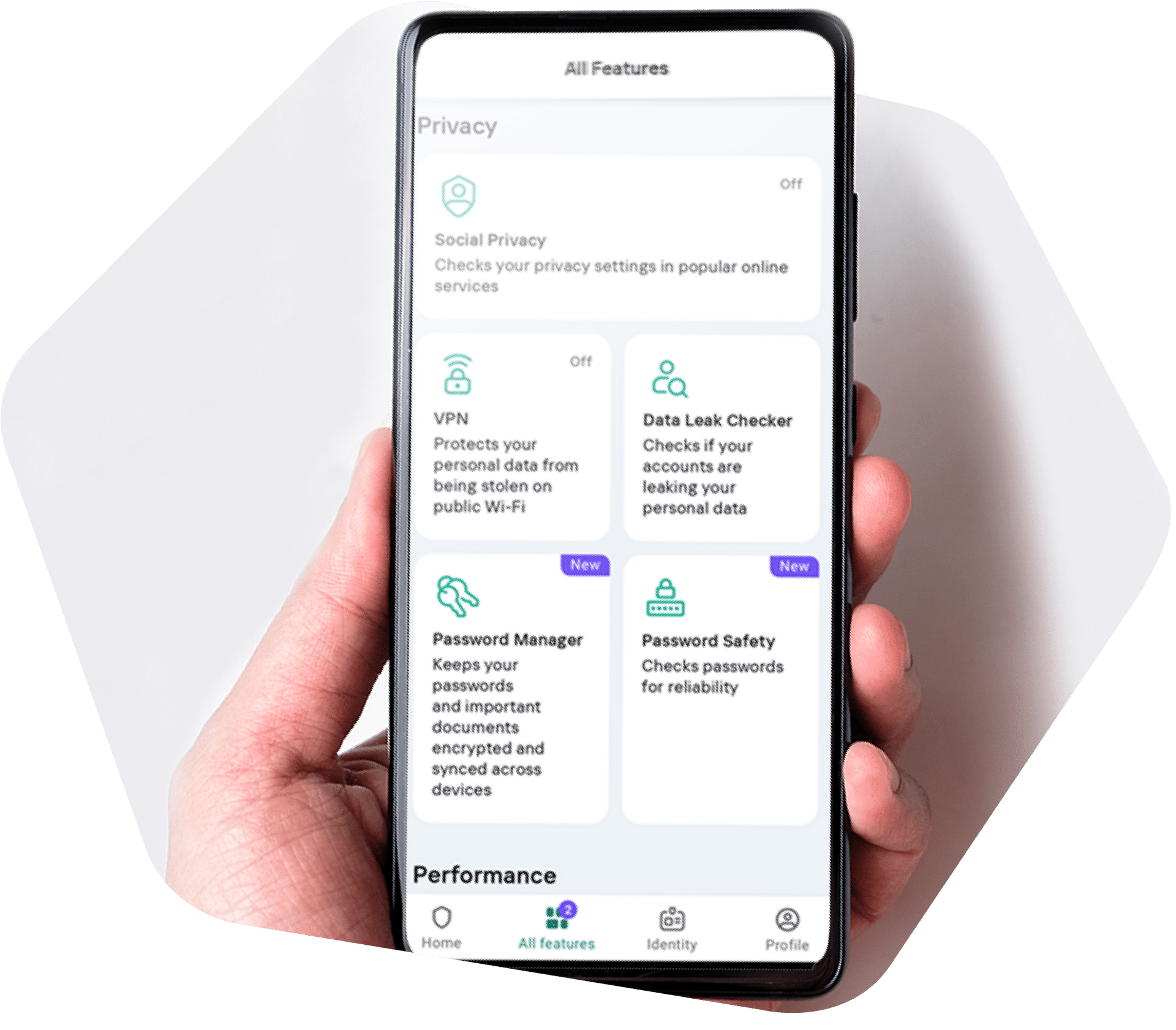
Superior online defense for Android devices
Kaspersky provides Android users all-in-one mobile protection that stands up to today's toughest cyber threats.

All plans

All plans

Plus & Premium plans only

Premium plan only
Discover the power of Kaspersky Antivirus
More than antivirus: Ensure the security of your data, maximize your performance, and maintain absolute privacy.

Real-time Antivirus & Anti-Phishing

Smart Home Monitor

Unlimited, Superfast VPN

Stalkerware Detection

Identity Protection Wallet

Data Leak Checker

Password Manager

Social Privacy

Where Is My Device
Awards & Performance**
Over the last year, Kaspersky products appeared in 100 independent comparative tests - winning 93 first-place awards.
- Annual mobile security certification 2023
- Bi-monthly mobile security certification 2023
- Regular mobile security certification 2023
- VPN solutions test 2022
Antivirus for Android you can trust***
Android users worldwide rely on Kaspersky Antivirus to stay secure
Buy with confidence
If you’re not satisfied with Kaspersky for Android, just let us know and you’ll receive a full refund.
Choose the best Antivirus offer for your Android Security:
Whether you only want to cover the essentials or need high-level support for the whole family, we have a plan for you.
| Best Value | |
|---|---|
| Plus Plan | Premium Plan |
 KasperskyPlus KasperskyPlus |  KasperskyPremium KasperskyPremium |
Anti-Virus, Anti-Malware and Anti-Ransomware Protection | Anti-Virus, Anti-Malware and Anti-Ransomware Protection |
Safe Web Browsing | Safe Web Browsing |
Existing Virus Removal | Existing Virus Removal |
Anti-Phishing Protection | Anti-Phishing Protection |
Performance Optimisation | Performance Optimisation |
App Management | App Management |
Online Payment Protection | Online Payment Protection |
Stalkerware Detection | Stalkerware Detection |
Unlimited & Fast VPN | Unlimited & Fast VPN |
Home Wi-Fi Monitoring | Home Wi-Fi Monitoring |
Password Manager | Password Manager |
| Feature is unavailable Identity Protection Wallet | Identity Protection Wallet |
| Feature is unavailable Data Leak Checker | Data Leak Checker |
| Feature is unavailable Password Safety Check | Password Safety Check |
| Feature is unavailable 24/7 Remote IT Support | 24/7 Remote IT Support |
| Limited OfferKaspersky Safe Kids1 YEAR FREE | |
System Requirements
**Awards Disclaimer
These awards were given previously to various Kaspersky products with the same core security technologies inside our newest ones.
***Reviews Disclaimer
These reviews relate to various Kaspersky products, all of which are underpinned by Kaspersky’s core security technologies. While the reviews are an accurate representation of our customers’ experiences in using our products, they may not refer to Kaspersky Standard specifically.