
 tips
tipsWhat to do if your phone gets stolen
If your phone falls into the hands of criminals, do not panic. Here is how to protect your data.
67 articles
If your phone falls into the hands of criminals, do not panic. Here is how to protect your data.

No one is immune to smartphone theft, but you can make sure no thief will get even a byte of your important data.

How to stop your iPhone or iPad from distracting you with endless notifications.

Version 14.4 patches vulnerabilities that cybercriminals are actively exploiting. Install this update as soon as possible.

During a cyberattack in Hong Kong, LightSpy spyware infected the iPhones of people visiting counterfeit news sites.
If you don’t want to pay for extra gigabytes in iCloud, try these other ways to backup your photos and other iPhone files.

Using simple tools such as lasers and music to trick voice assistants and motion sensors.
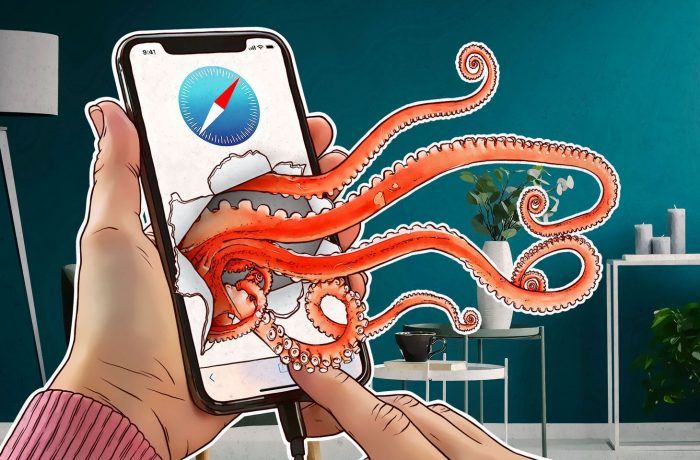
Some say you can get malware on your iPhone simply by visiting a dangerous Web page. We examine the rumor to get at the truth.
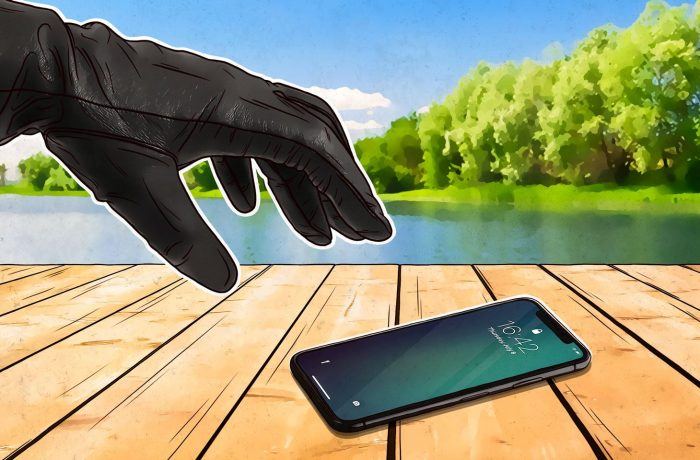
A new scam aims to unlink a stolen iPhone from the victim’s Apple ID so it will fetch a higher price.
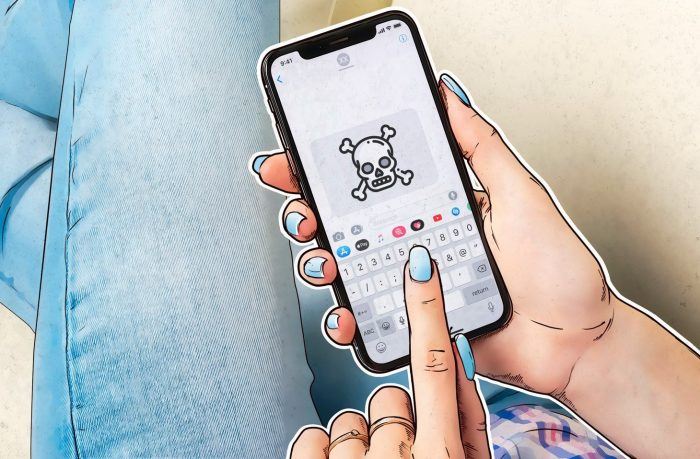
Six severe vulnerabilities in iMessage that allow remote code execution and data stealing with no user interaction? Sounds like a good reason to update to iOS 12.4 as soon as possible.

Does saying “hyphen” five times to your iPhone really crash it — or is that just another myth?
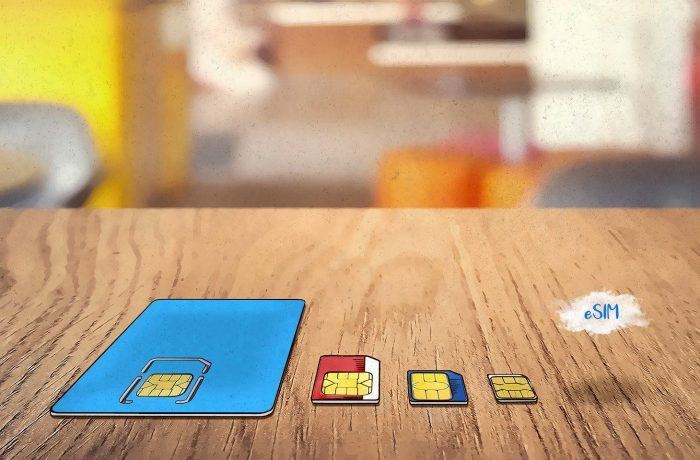
New iPhones support eSIM technology. We explain what it is and who will soon be using it.
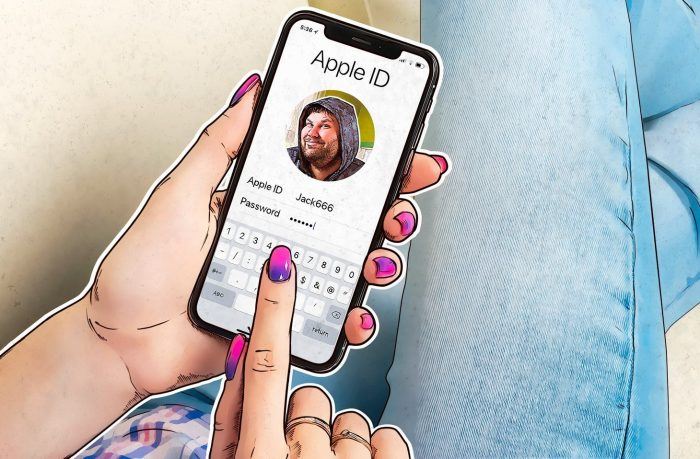
How cybercriminals blocked Marcie’s iPhone, and how to avoid a similar fate.

Speaking of two-factor authentication — as we often do — did you know some convenient settings render it utterly useless? Let’s do it right.

Why doesn’t Kaspersky Lab have an antivirus app for iOS — and what are all those other Internet security suites for Apple mobile devices?
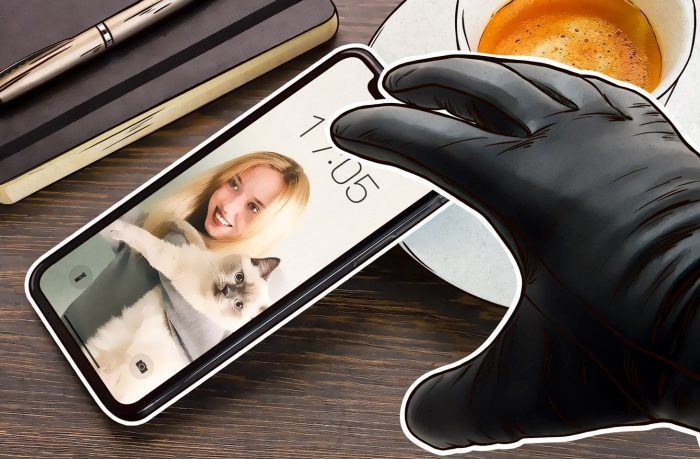
When I fell victim to sleight of hand and a little bit of fraud, Find My iPhone didn’t save me. Here’s why.

How facial recognition works in the new Apple iPhone X —and is it secure enough for you to usetrust?

Kaspersky AdCleaner is our ad-blocking tool for iOS. Use it to forget about banners, prolong battery life, and open websites faster!

Kaspersky Safe Kids helps protect your children from inappropriate content and limit device use time, but kids are potentially able to delete the app. Here’s how to prevent that from happening.
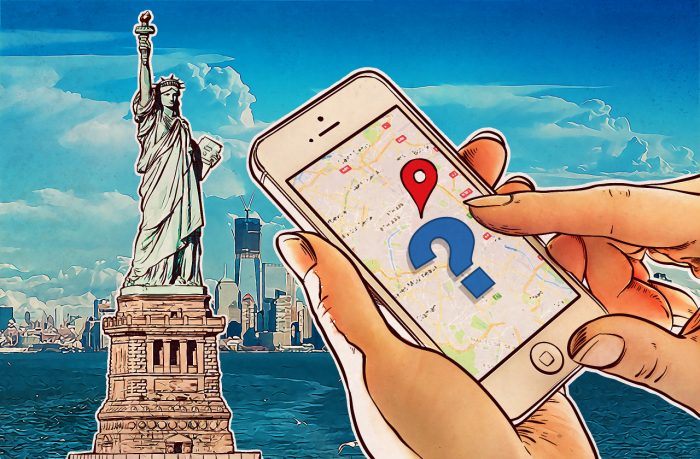
If you own an Apple device, spend a few minutes setting up your System Location Services. You’ll protect your privacy and lengthen battery life.
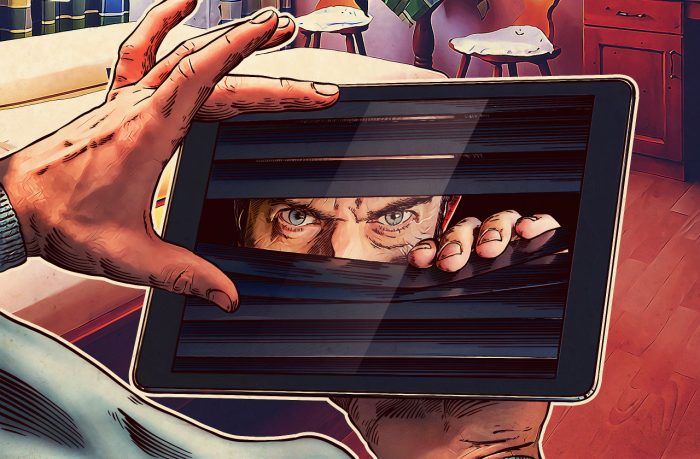
Did you know that some apps on your iPhone or iPad track your location, access your camera and calendar, and more? In Part 1 of this story, we show you how to turn off tracking using iOS’s privacy features.
 iOS
iOS Technology
 eSIM
eSIM products