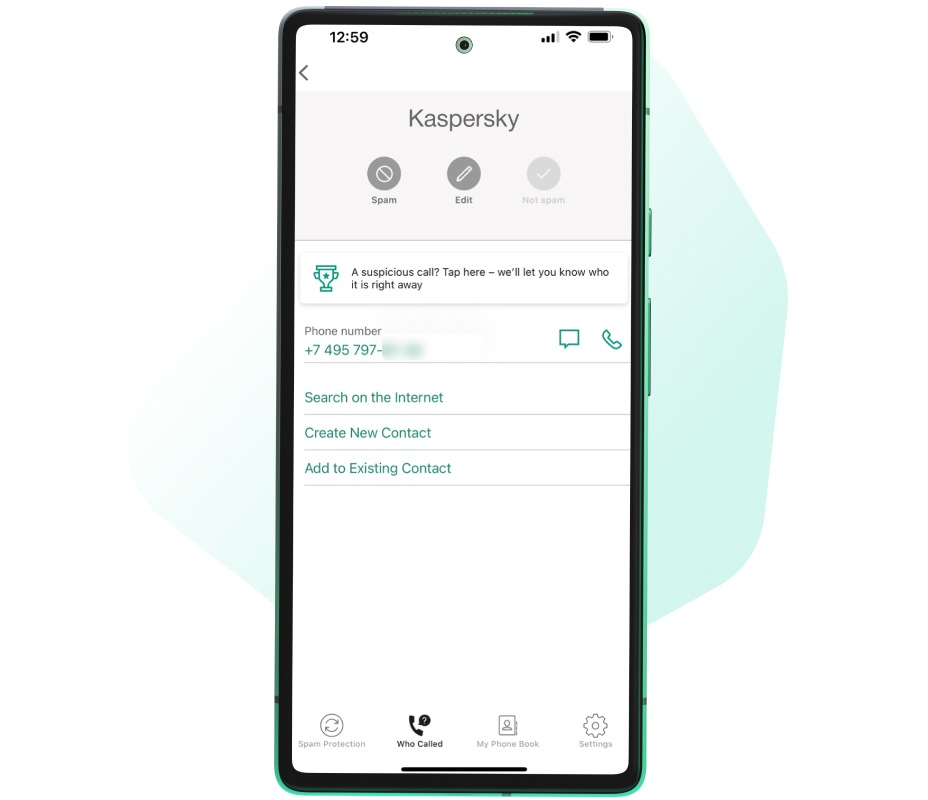
Kaspersky Who Calls

Identify and block spam calls

Stay one step ahead of scammers

Our easy-to-use, reliable caller ID means you always know exactly who's calling you – so your phone becomes a safe space for communication.
  • Identifies phone numbers based on AI algorithms and user feedback
  • Detects and automatically blocks fraudulent and spam calls
  • Categorizes unwanted calls without internet connection in Premium mode
Compatible with:
  • Android™
  • iOS®
Kaspersky Who Calls

Know exactly who’s calling you

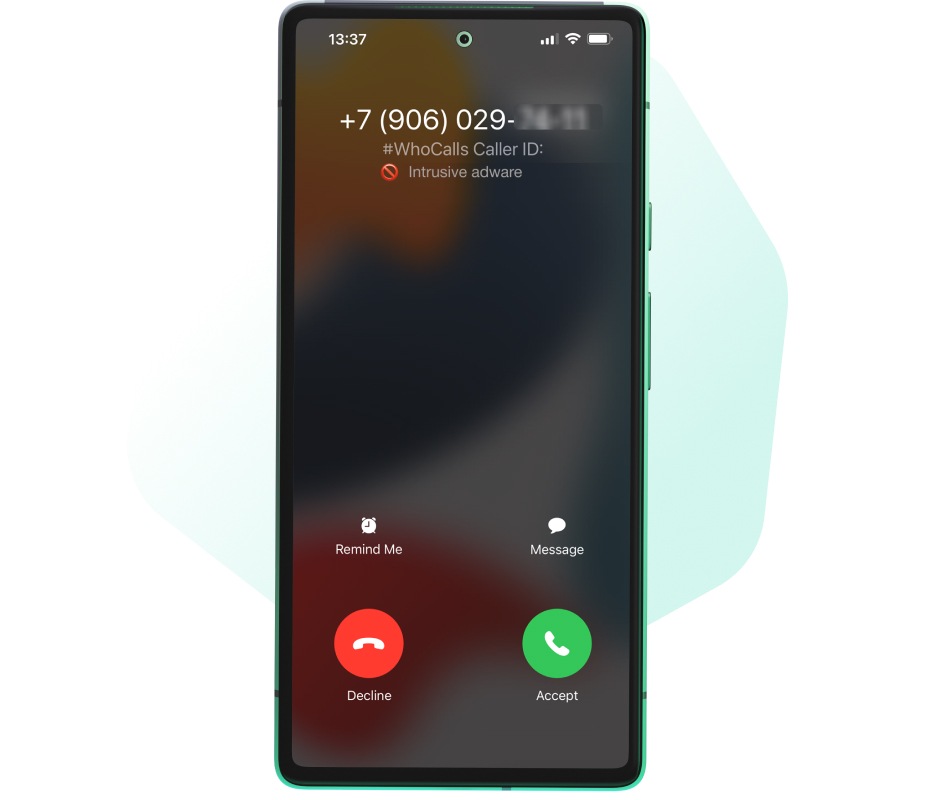
Automatic Caller ID means the app displays everything you’d want to know about an incoming call, from the name of the organization calling to its category and level of trustworthiness.

Identify spam and scam calls immediately

Our verification technologies and large database of phone numbers protect you from scam calls by helping you make informed decisions quickly. Our users can also set up automatic blocking of such calls.

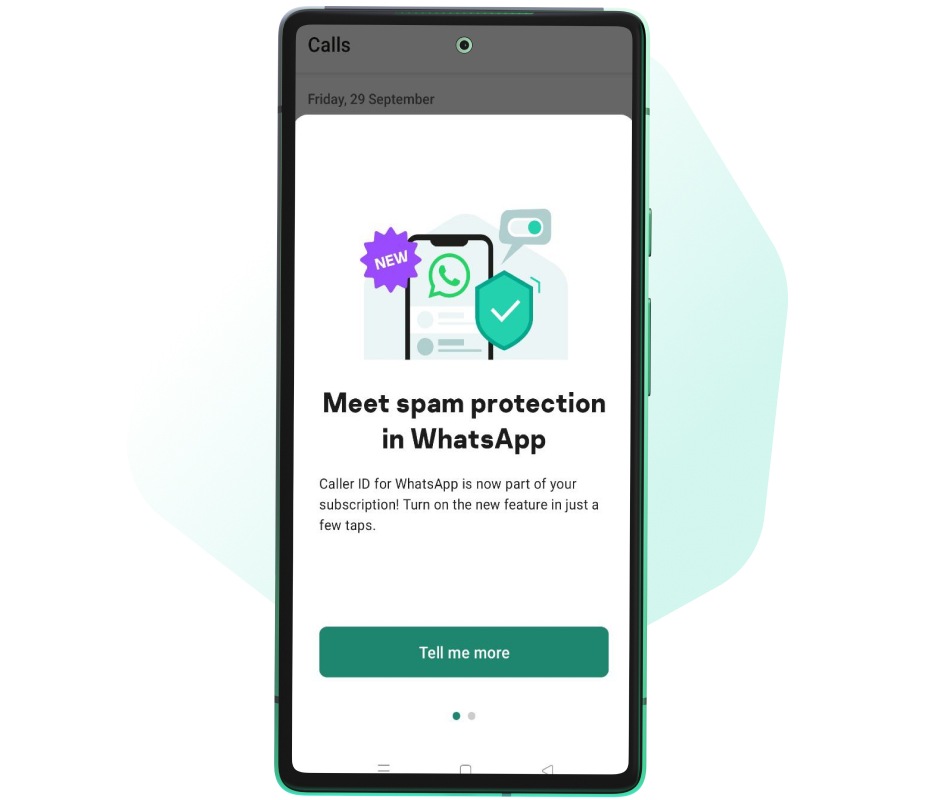
Filter out scam calls on WhatsApp

Who Calls detects spam on WhatsApp too. Filter incoming calls, identify callers like banks or research firms, block spam, and add suspicious WhatsApp callers to our database to protect others.

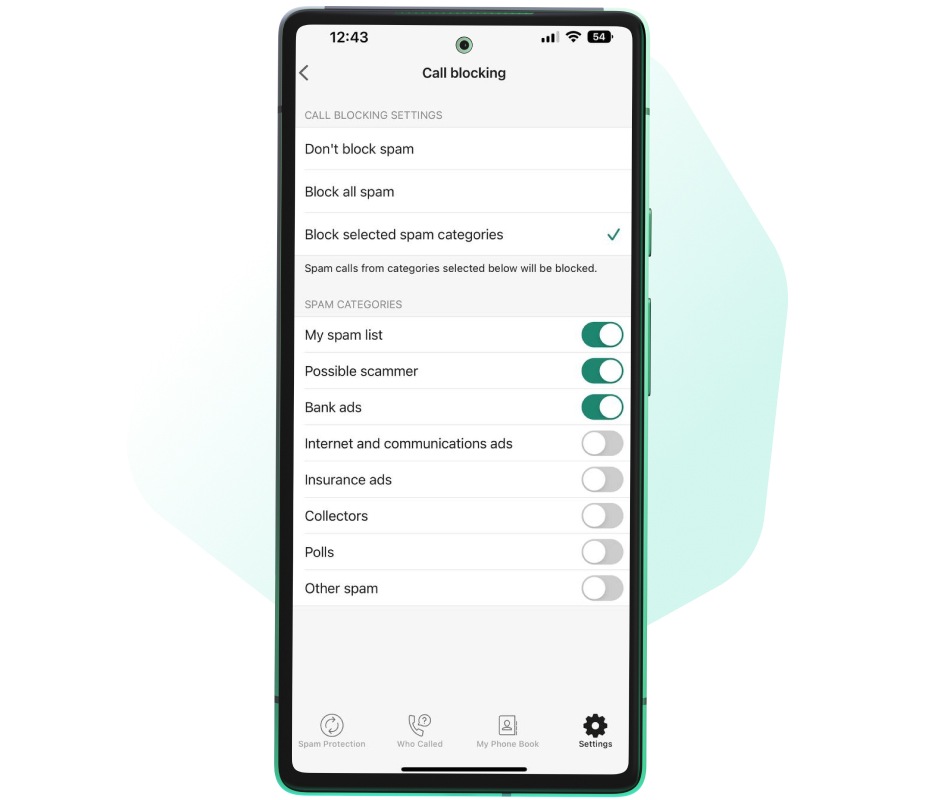
Block all spam calls or just specific numbers

Your phone, your rules. This premium feature lets you block numbers by category – like ‘all spam’ or ‘withheld numbers’. You can also submit spam numbers to our database, helping us improve Who Calls.

Keep your private data secure

When you set up and use the Who Calls app, there’s no need to register your phone number – or any other sensitive data.
From your mobile device, you can quickly download the Who Calls app from the relevant mobile store listed below.

How to install APK on Android

Allow your device to install the APK file. Find the APK file in your downloads and tap it to install. Read more tips in our article below.

How to activate on Android

Sign in to your My Kaspersky account to activate your existing subscription. For more details or alternative methods click below.

Choose your plan

Free Version
  • Android™
  • iOS®
  • Identifies scammers and spam calls
  • Defines the name and category of the organization calling you
  • Blocks incoming numbers by category
  • Auto-blocks all incoming spam calls
  • Offline spam detection*
  • SMS phishing protection*
  • No ads*
Premium Version
  • Android™
  • iOS®
  • Identifies scammers and spam calls
  • Defines the name and category of the organization calling you
  • Blocks incoming numbers by category
  • Auto-blocks all incoming spam calls
  • Offline spam detection*
  • SMS phishing protection*
  • No ads*
*Functionality is available for Android-based devices.

Frequently Asked Questions

Scam calls are on the rise*

Kaspersky Who Calls blocks unwanted calls by combining AI technology with our extensive database of phone numbers

70%

of unknown callers are scammers

6X

rise in spam numbers in our database since 2020

* Stats obtained using anonymized statistics from the Kaspersky Who Calls application

System Requirements

Kaspersky Who Calls for iOS

  • iOS® 18, 26
  • 300 MB of free disk space in the main memory of the device
  • Internet connection
  • SIM card installed on the device

Kaspersky Who Calls for Android

  • Android™ 11 – 16
  • Smartphone or tablet with a GSM module
  • 100 MB free space
  • Internet connection
  • SIM card installed on the device
  • Screen resolution: 320x480 pixels or higher
  • Platforms: ARMv7, or ARMv8 (except for NVIDIA Tegra)

Languages

  • English
  • Portuguese